Resumonk's AI features run on the AI Plan, which uses a simple credit system. This article explains what the plan unlocks and how credits are spent.
What the AI Plan unlocks
-
AI rewrites and suggestions on individual resume entries in the editor — see how to improve your resume content with AI.
-
Full-resume AI rewrite while importing from LinkedIn or uploading an existing file — see how to rewrite your entire resume with AI.
How credits work
-
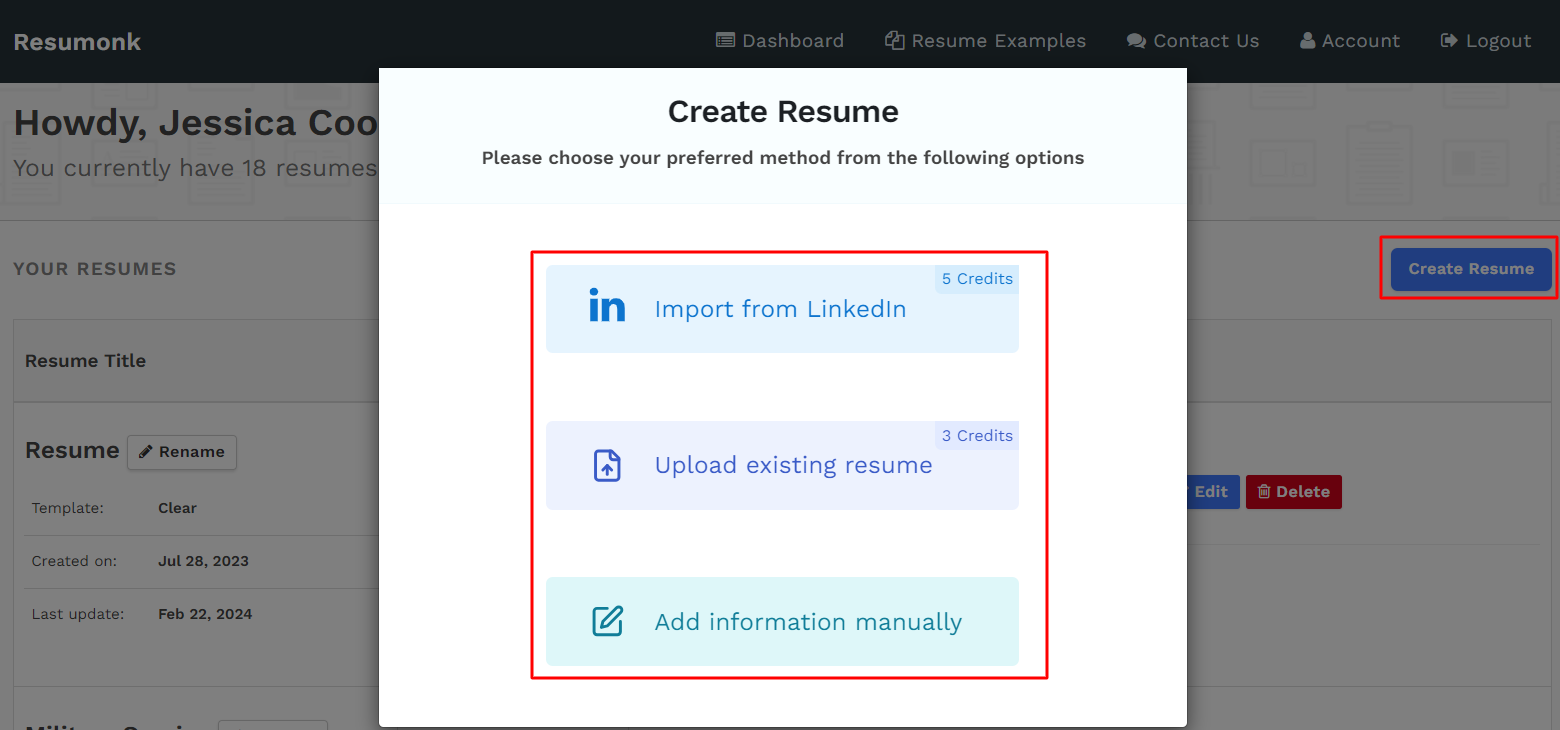
Each AI action draws from your credit balance. Smaller actions, like rewriting a single entry or fetching suggestions for it, cost a little; larger ones, like rewriting an entire resume, cost more.
-
The exact cost of an action is always shown before you commit to it — the per-entry balance updates right after each request in the editor, and the import/upload forms display the credit cost before you confirm.
-
If the AI is temporarily unable to process a request, no credits are deducted for that attempt.
Getting started
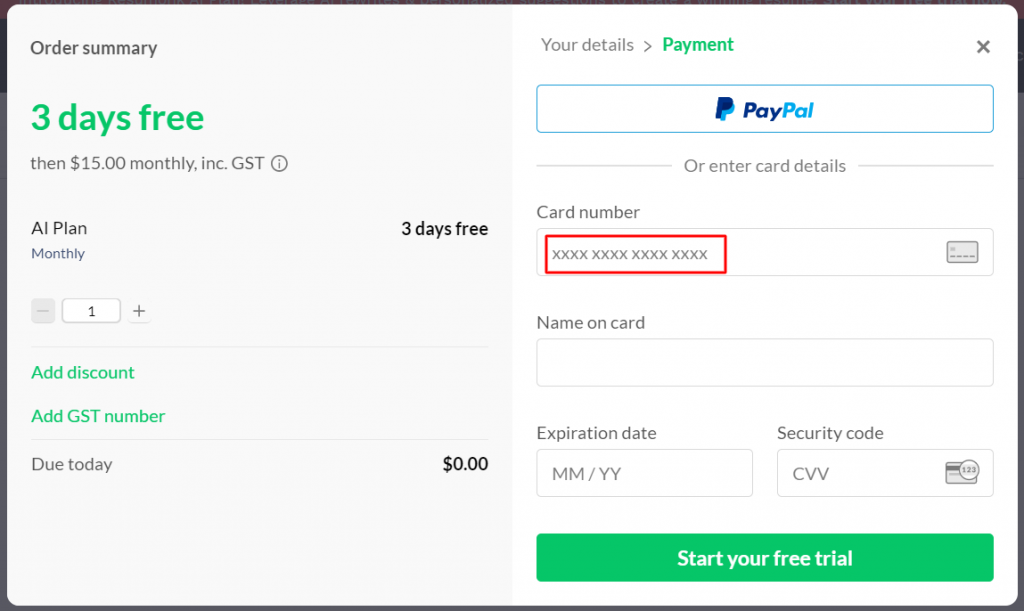
You can try the AI Plan with a free trial, and you can start, upgrade, or review your plan from the pricing page. Once you're on the plan, the AI buttons become active throughout the editor and on the import/upload screens.