How to reorder the entries in a section
Most resumes list the most recent role first. If an entry is in the wrong place, you can move it without retyping anything.
-
Open your resume in the editor and stay on Edit.
-
Every entry has Move up and Move down arrows at the top right of its card, next to Delete.
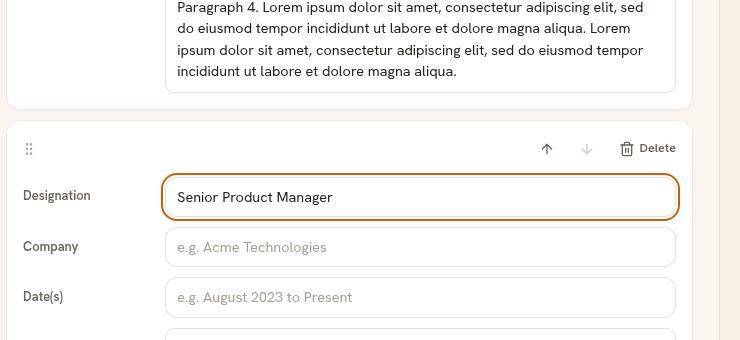
The arrows move this entry within its own section. -
Click the up or down arrow. The entry swaps places with its neighbour, and the arrow greys out when the entry reaches the top or the bottom.
Dragging instead
On a desktop screen each entry also has a grip at the left of its top row. Drag it up or down if you would rather move an entry several places at once.
Good to know
- The new order is stored as you make it. The Saved button at the top confirms it.
- Entries only move within their own section. To move a whole section, see how to reorder the sections in your resume.
- The date field is free text, so nothing is sorted for you. The order you set is the order that prints.