How to upload an existing resume (PDF, DOCX or text)
If you already have a resume as a PDF, a Word file or plain notes in a text file, you do not have to retype it. Upload it and Resumonk reads it, rewrites the wording, and hands you an editable resume.
-
Go to the start page and click Upload your resume, or drag your file onto it. The click opens the window for choosing a file at once (on a phone, your file picker), so pick your resume there. PDF and DOCX are accepted up to 10 MB, and TXT or MD up to 200 KB.
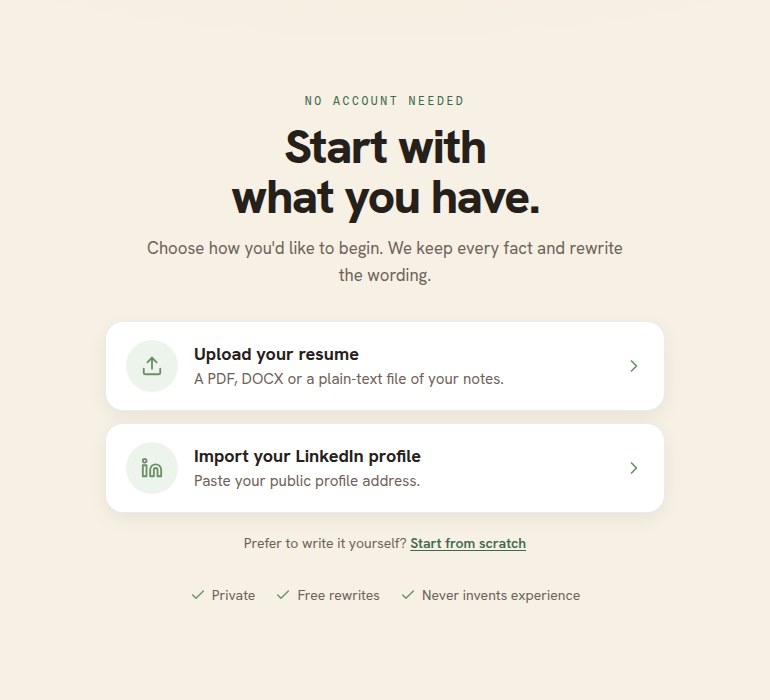
Upload your resume is the first of the two choices. No account is needed to get this far. -
The card confirms the file it has. Nothing runs yet, so you can swap the file with Change if you picked the wrong one.
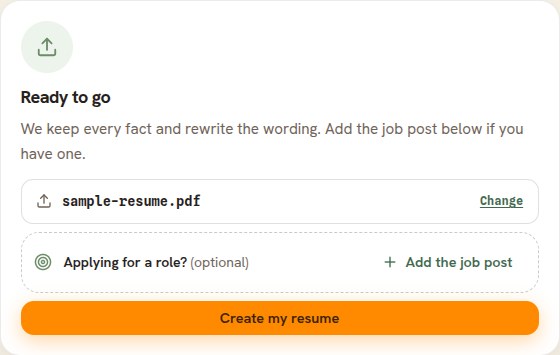
Choosing a file never starts the rewrite. You do, with the button. -
Applying for a particular role? Paste the job post in the optional field first.
-
Click Create my resume and wait. It usually takes under a minute.
What the upload keeps
- Every fact: your employers, titles, dates, schools, and skills come across as written.
- The wording is rewritten to read more strongly, and sections may be reordered to lead with your best material. Resumonk tells you when it has done that.
- The old file's visual design is not kept. You pick a Resumonk template instead, which is what makes the result editable.
Good to know
- A resume saved as an image, or a scan, has no text to read. Resumonk says so and offers you a box to paste your resume into instead, which works as well. Exporting a proper PDF from the program you wrote it in also fixes it.
- Heavily designed layouts with columns and text boxes can come across in an odd order. Check each section after the upload and move anything that landed in the wrong place.
- Nothing is invented. If your old resume did not say it, the new one does not either.
- Have a LinkedIn profile rather than a file? Import it instead.