How to find jobs that match your resume
Resumonk can look for work while you get on with something else. Set up your 24/7 job search agent to scan the web and bring you only jobs that match your preferences.
-
Click Jobs in the top bar. The Your resumes page offers the same thing, as Find my matches before you have any, and See matches after.
-
Pick which resume the search should work from, then say what you are looking for: the kind of role, and where. The resume supplies the rest.
-
Leave it running. When it finds something, the matches appear on this page.
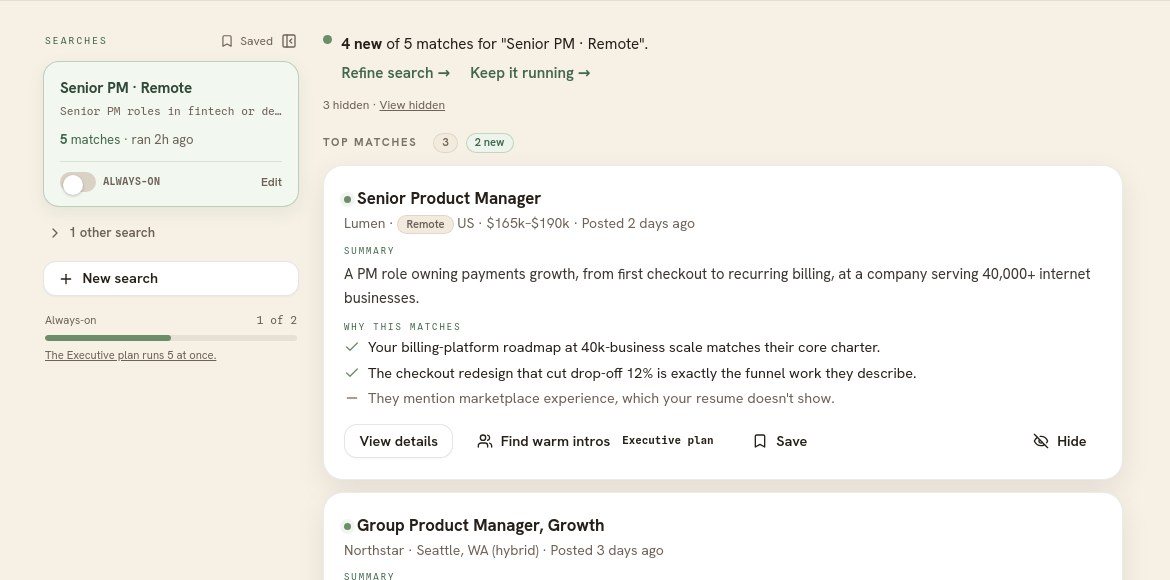
On a wide screen your searches sit on the left; on a phone they are behind a switcher. The line above the results says how many are new.
Reading a match
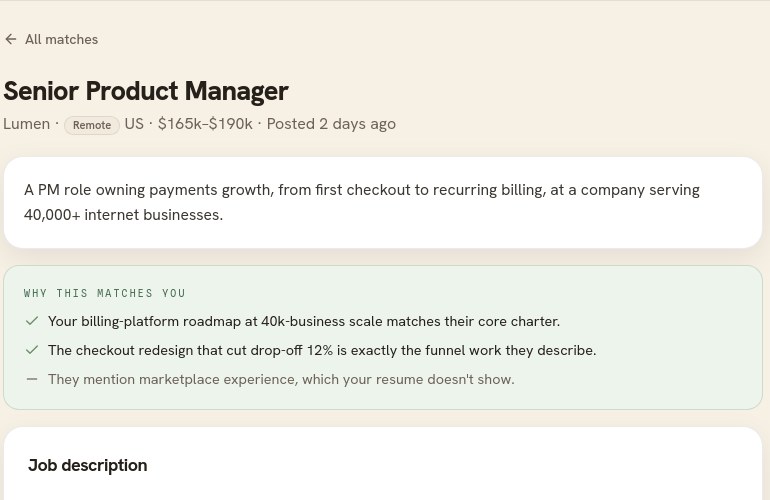
Click a role to open it. Resumonk gives its reasons and, as plainly, what your resume does not show. That second kind of line is the useful one. The heading reads Why this matches you on a strong fit and Analysis on a partial one, so the wording never oversells a role.
Keeping the list yours
- Save a role to keep it on your shortlist, under Saved in the rail.
- Hide one and it leaves the list. A quiet line tells you how many you have hidden, so you can look again.
- Roles that arrived since you last looked at that search are marked as new, so a returning visit shows you what changed.
Always-on searches, and the email
A search can be left running. The Professional plan runs 2 at once, and the Executive plan runs 5. When a running search finds something genuinely new, Resumonk emails you, at most once a day. Every one of those emails links to your notification settings, and most mail apps show their own unsubscribe button as well.
On the free plan
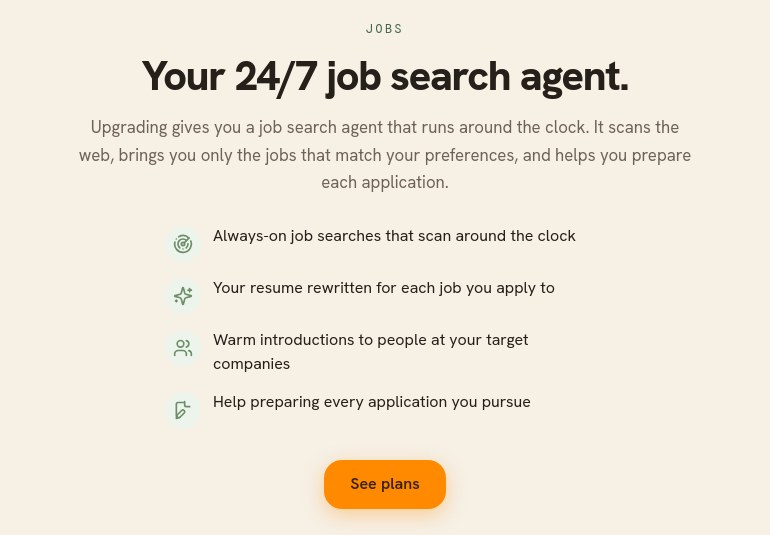
The jobs tools are part of the Professional and Executive plans. The free plan shows you what the agent does and links to the plans.
Good to know
- Resumonk never applies for you. It finds the work and helps you prepare; sending the application is always your act.
- The better your resume reads, the better the matches. It is what the agent works from.