How to cancel your plan
Cancelling your plan stops the payments. Your account and your resumes stay, and the plan keeps working until the end of the time you have already paid for. You do not need to delete your account to cancel.
-
Sign in and open your billing page. From your account page, the Manage billing button beside your plan leads there too.
-
In the Payment & invoices card, click Manage billing. Paddle, the company that handles our payments, opens your subscription in a new tab.
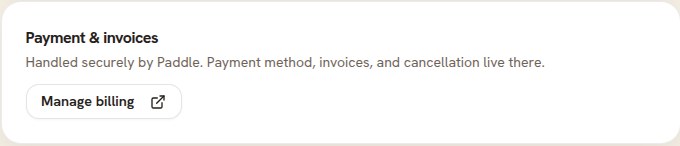
Cancelling lives behind Manage billing, with your payment method and invoices. -
Choose Cancel subscription and confirm.
What happens next
Your billing page now reads Ends with the date your paid time runs out, and everything on your plan works until then. You are not charged again.
On that date your account goes back to the plan it had before: the free plan, or an older plan you bought earlier while it still applies. Your resumes stay in your account, and from then on they use that plan's features. On the free plan the PDF download carries a small "Created using Resumonk" footer, and Word downloads, cover letters and the job tools need a paid plan again; an older paid plan keeps the features it always had. Any always-on job search pauses.
Changed your mind?
Before the end date, open Manage billing again and resume the subscription. Your plan carries on as if nothing happened.
Good to know
- If Manage billing is greyed out and marked Soon, email [email protected] from your account's address and we will cancel it for you.
- Want to remove everything instead? Deleting your account ends the subscription with it, but it also deletes every resume, and it cannot be undone.