Convert your LinkedIn profile into a resume
For existing Resumonk users. New here? Start with these instructions instead.
- Log in to your Resumonk account. Use Google sign-in, or your email and password.
- Click "New resume" on Your resumes. It opens the start page, already signed in.
- Click "Import your LinkedIn profile". Paste your public profile URL in the box that opens. Not sure where to find it? Here's how, on desktop and mobile.
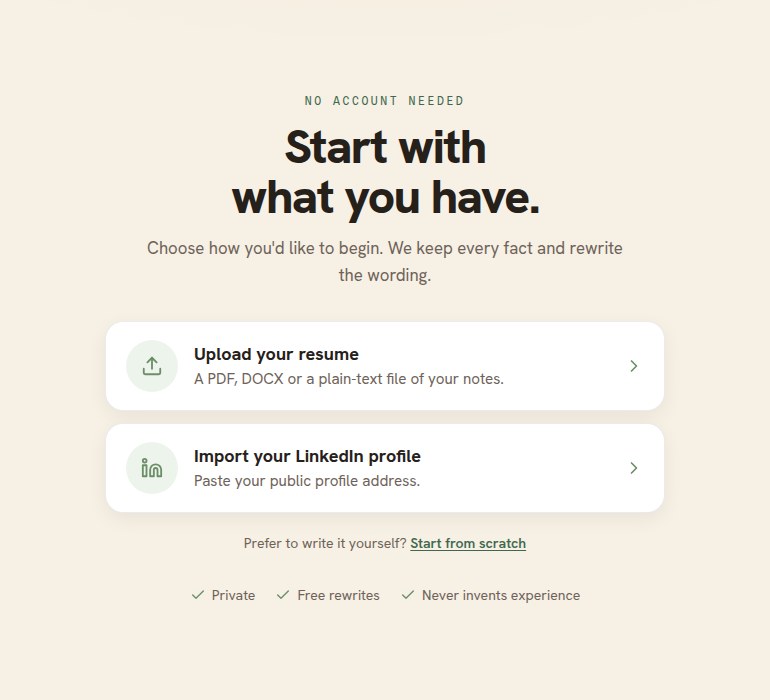
The LinkedIn import is the second of the two choices. - Watch your profile become a resume. Resumonk parses your profile and rewrites it into clean, compelling wording. You'll see the result before anything is final, and it saves straight to your account.
- Your profile photo comes across too. It shows on the seven templates that have a photo, and you can replace or remove it in the editor.
- Fine-tune and download. Open it in the editor to adjust anything, switch templates, fonts, and colors, then download as PDF (or DOCX on paid plans).
Still having trouble? Email us at [email protected] and we'll help.